Configuring payments in ReserveIt
ReserveIt has a deep integration into Stitch Express a South African payment gateway that provides one-off payments as well as subscription recurring payments through card tokenization.
To use payments on ReserveIt you first need to create a Stitch Express account, and add your Stitch Express API credentials into ReserveIt.
- Create a Stitch Express account
- Open your Stitch Express dashboard and open the "Account" menu item.
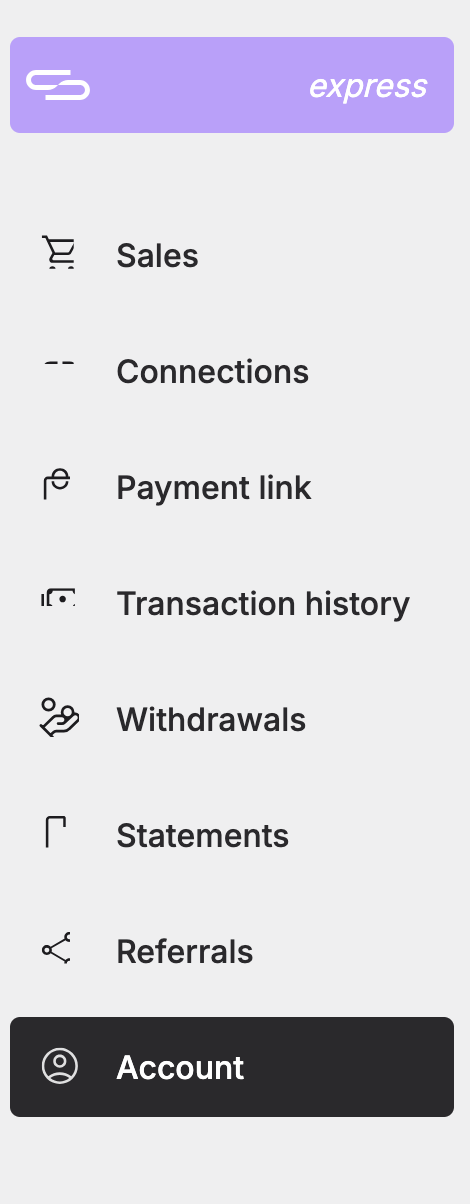
- Scroll down to API Details and ensure "Live Credentials" is selected. 4. Copy down your Client ID, click on "View Client Secret" and note down your client secret.
 5. In ReserveIt go to Settings, Integrations and scroll to "Stitch". 6. Enter your copied down Client ID, Client Secret and click "Connect to Stitch Express".
Once connected your integration status will be shown. If "subscriptions" is not shown to be active please contact Stitch support to enable subscriptions on your account.
Your customers are now able to make payments and sign up for subscriptions on your account.